
The FXLeagues app
Get the FXLeagues app
Add FXLeagues to your phone or computer. It's the portal you already use, with its own icon. There's nothing to download from an app store.
- Free
- iPhone, Android and computers
- Same account as the website
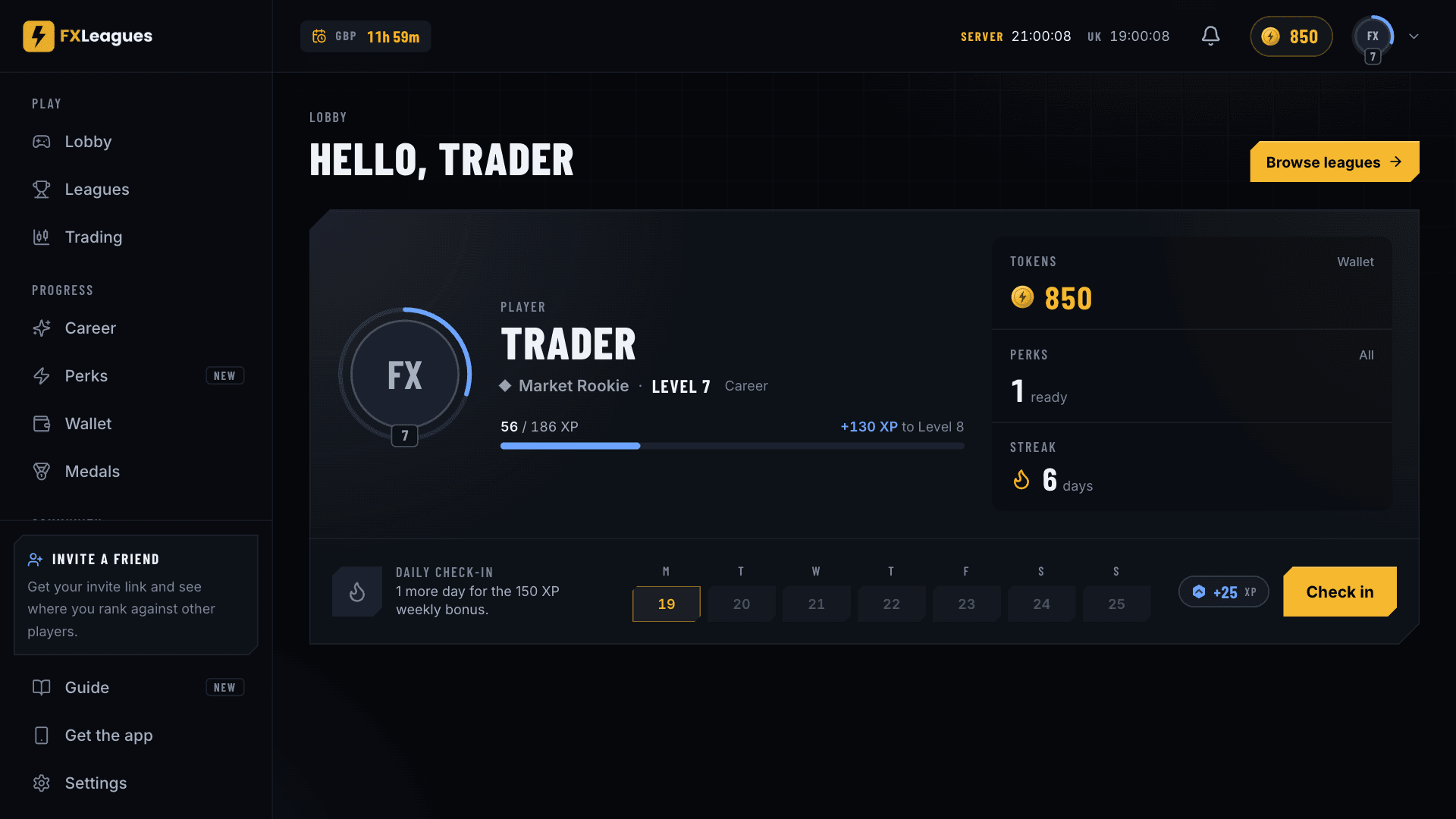
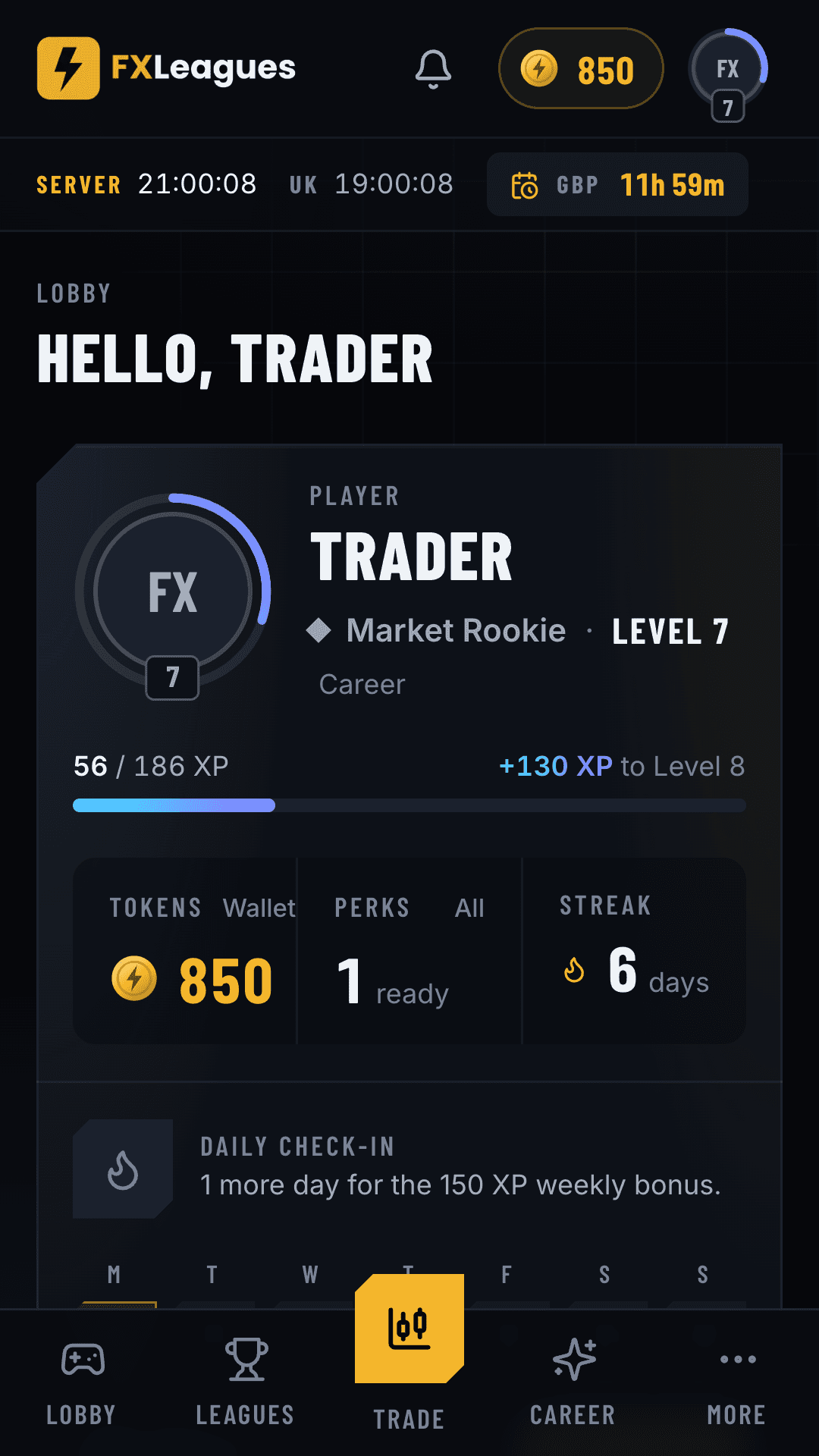

1 more trade needed today in Gold Rush Week 4
nowYou've opened 1 of 2 today. The trading day closes at 22:00 UK. If you've just traded, it can take a few minutes to show.
Install it from your browser
It opens the install page. Then, in your browser:
Chrome
In Chrome, click the install icon at the right end of the address bar, then Install.
Edge
In Edge, open the menu (three dots), choose Apps, then Install this site as an app.
Safari on a Mac
In Safari on a Mac, choose File, then Add to Dock.
FXLeagues then opens in its own window, with an icon in your dock or taskbar.
Step 1: In Chrome, tap Install on this computer. It opens the install page.
Step 2: Tap the menu (three dots) at the top right.
Step 3: Tap Install app or Add to Home screen, then confirm.
Step 4: Open FXLeagues from your Home Screen and sign in.

Opened this link inside Telegram or another app? Open it in Chrome first, using that app's menu. Then turn on notifications in Settings.
Step 1: In Safari, tap Install on this computer. It opens the install page.
Step 2: Tap Share, the square with an arrow. On iOS 26, tap the three dots first.
Step 3: Scroll down, tap Add to Home Screen, then Add.
Step 4: Open FXLeagues from your Home Screen and sign in.
Notifications need iOS 16.4 or later, and they only work in the copy on your Home Screen, not in a Safari tab. Turn them on in Settings once you've opened it from there. Opened this link inside Telegram? Open it in Safari first.
The Lobby, on your Home Screen
Opens full-screen
Tap the icon and the Lobby opens without the browser's address bar and tabs.
A reminder at 19:00 UK
If you're short of your league's daily minimum trades, your phone gets a reminder before the trading day closes. Turn it on in Settings.
Sign in with a code
On a new device, ask for a sign-in code. We email you 6 digits and you type them into the app, so the app signs in, not your browser.
Open in MT5
Tap Open in MT5 on your account card and the MetaTrader 5 app opens with your login and server filled in. You type your password once.
Same account
Your leagues, XP and tokens are the ones you see on the website. Nothing to move across.
Before you add it
- Is it in the App Store?
- No. You add it from Safari on an iPhone or Chrome on Android. There's nothing to download from the App Store or Google Play.
- Does it cost anything?
- No. Adding FXLeagues to your phone or computer is free.
- Do notifications work on iPhone?
- Yes, on iOS 16.4 or later, once you open FXLeagues from your Home Screen. Notifications don't work in a Safari tab.
- Will I lose my account?
- No. The app uses the same account as the website, so your leagues, XP and tokens are there when you sign in.
fxl.one/app
Give it its own window
Install it from Chrome, Edge or Safari and FXLeagues opens in its own window, with an icon in your dock or taskbar.